Installing Lubuntu in Virtualbox
Download ubuntu server 14.04 LTS from Ubuntu
Go through the standard installation via virtualbox
sudo apt-get install lubuntu-desktop
sudo apt-get update && apt-get upgrade
sudo apt-get install build-essential module-assistant
sudo m-a prepare
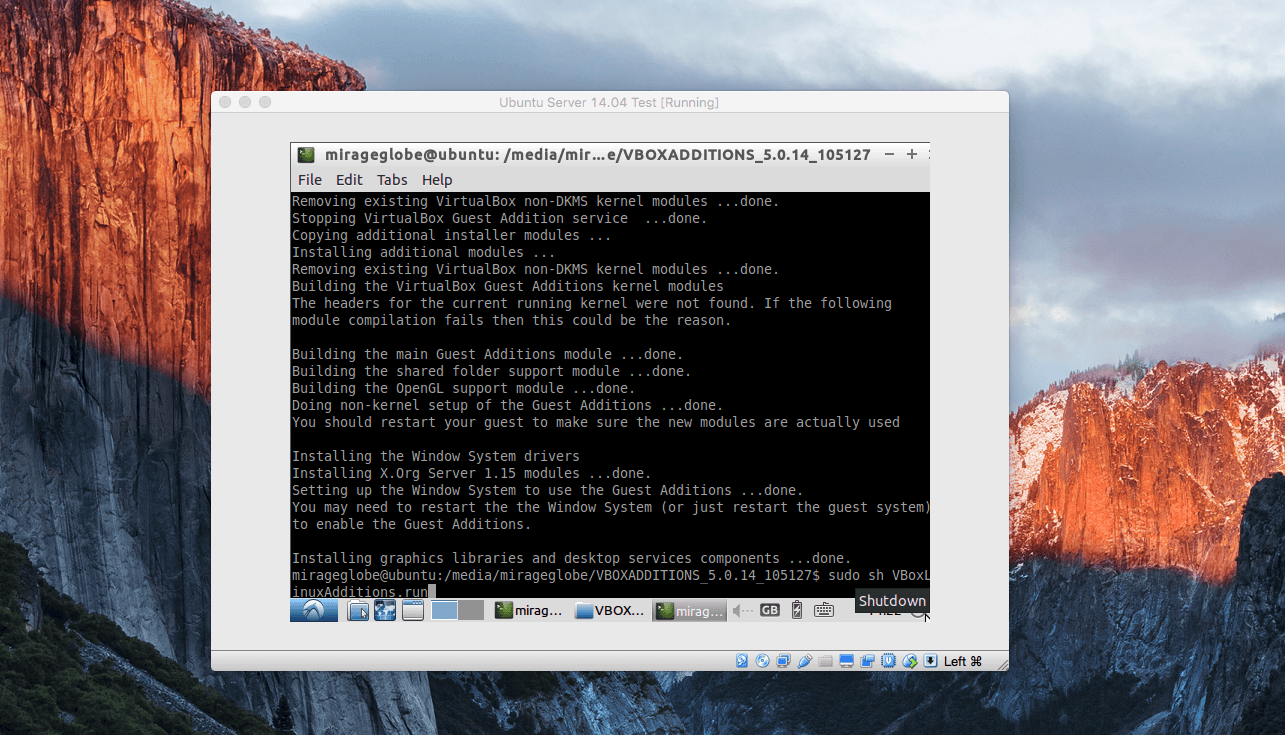
On virtualbox menu bar – click on the Devices > insert Guest Additions … open the finder (if there is a popup)
sudo sh VBoxLinuxAdditions.run