Ubuntu upgrade limited boot space
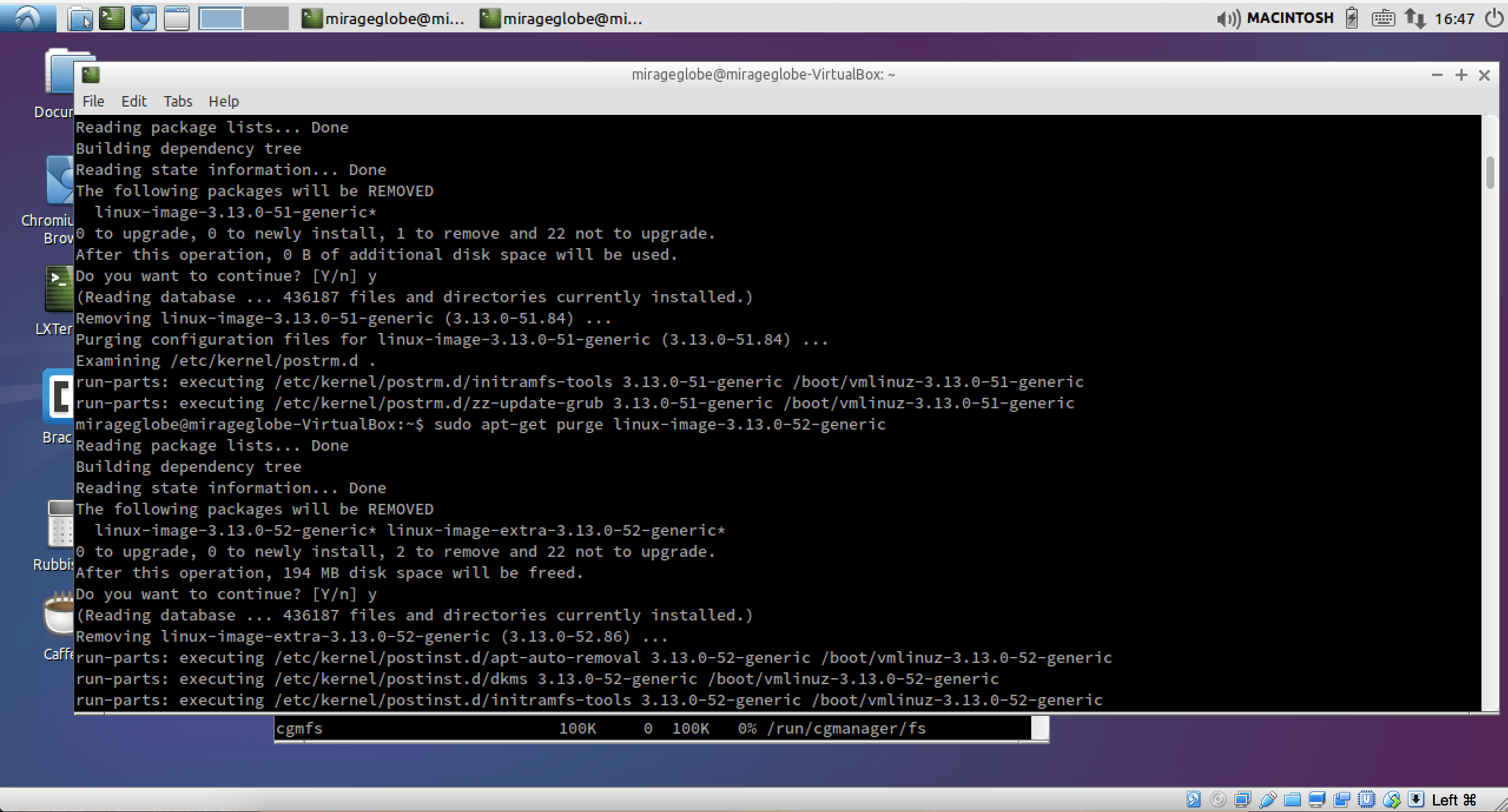
If you come across running out disk space below:
“The upgrade needs a total of 25.3 M free space on disk `/boot`.
Please free at least an additional 25.3 M of disk space on `/boot`.
Empty your trash and remove temporary packages of former installations”
$ sudo apt-get clean.
You can run the following
# to see available space
$ df -h
# to see the current kernel in use
$ uname -a
# to list all the current stored images
$ dpkg -l | grep linux-image
check that the ones you want to delete is not your current running kernel.
# to delete images you can run:
$ sudo apt-get purge linux-image-extra-3.13.0-{51,52,53}-generic
# where {51,52,53} are the images you want to delete
# note! make sure that you do not delete your current image.